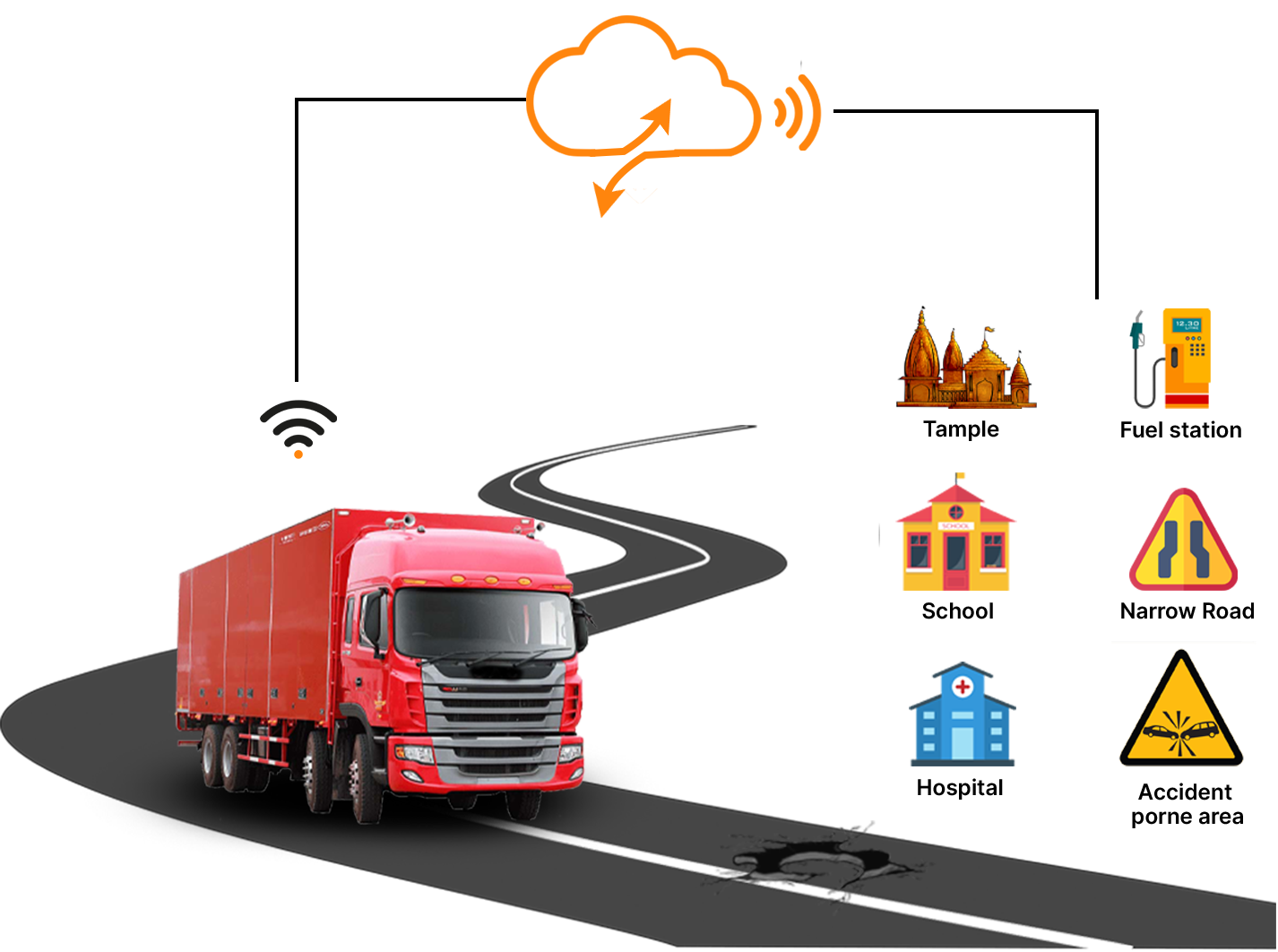
Where every vehicle is.
See the fleet on a map: moving, idle or parked. Set an area or a route, and get an alert when a vehicle leaves it or speeds. Download reports when you need a record.
See tracking and fuel
Fleet Boss · For corporate fleets
One place for a fleet manager in Kenya: where the vehicles are, how they are driven, whether they are safe, and whether they are serviced. Some tools use hardware on the vehicle.
| Vehicle | Driver | km/L | Score | Status |
|---|---|---|---|---|
| KDA ••• A | Driver 1 | 8.9 | 91 | Moving |
| KDB ••• B | Driver 2 | 7.2 | 74 | Needs service |
| KDC ••• C | Driver 3 | 9.6 | 88 | Parked |
| KDD ••• D | Driver 4 | 6.1 | 58 | Fuel check |
| KDE ••• E | Driver 5 | 9.1 | 83 | Moving |
Illustrative figures. Not a real fleet.
Tracking, drivers, safety, equipment and servicing. Some tools use hardware fitted to the vehicle. Open a group below to see the details.
See the fleet on a map: moving, idle or parked. Set an area or a route, and get an alert when a vehicle leaves it or speeds. Download reports when you need a record.
See tracking and fuel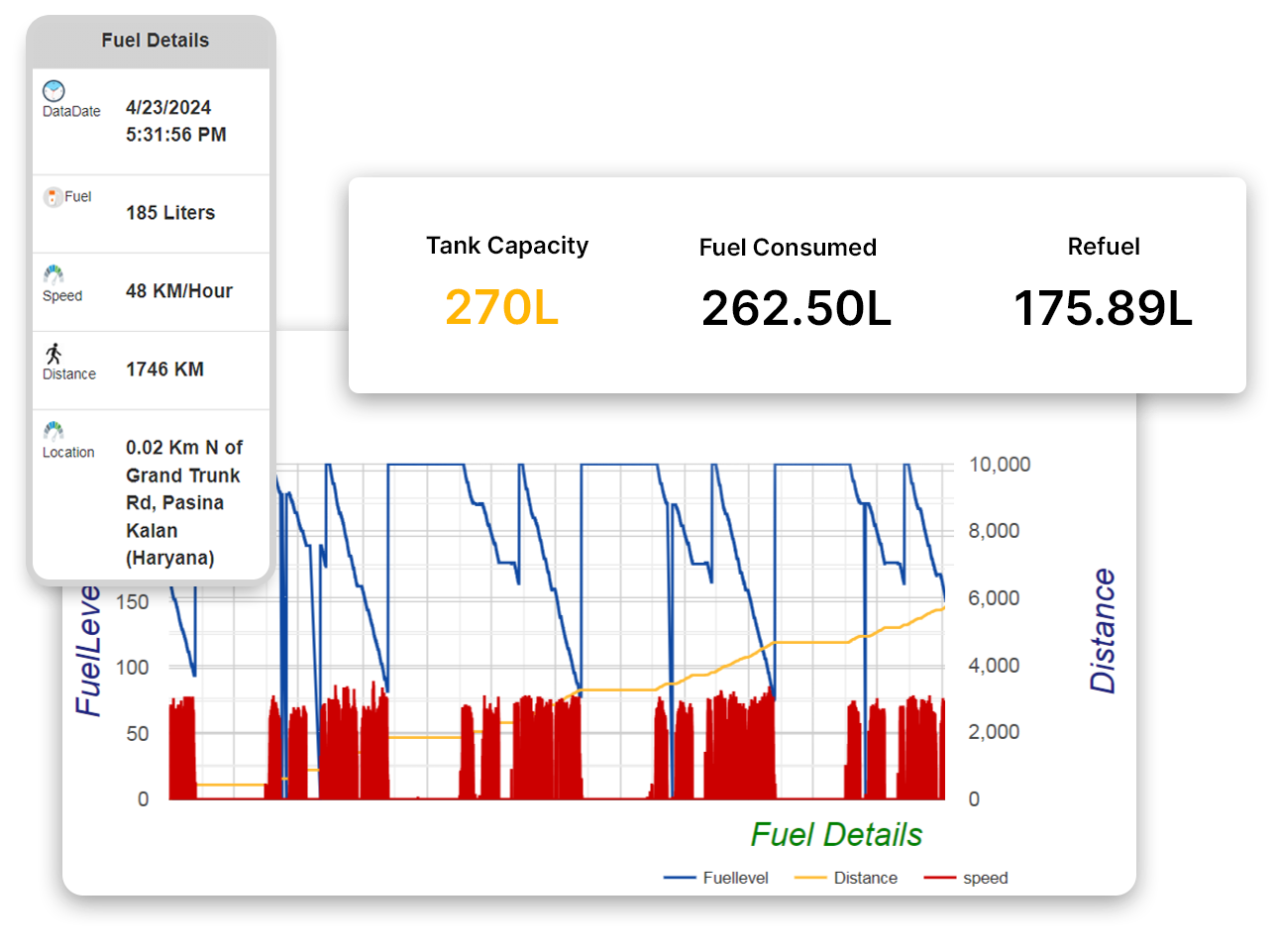
Fuel use per vehicle, per day and per trip, with odd readings flagged. Figures in this screen are sample.
See fuel monitoring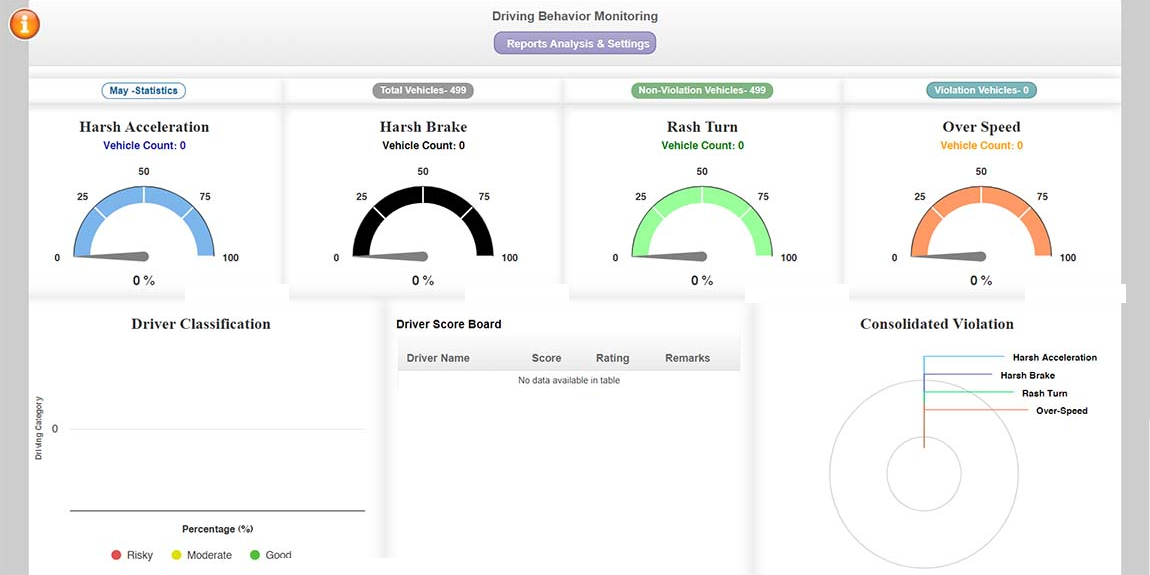
Each driver gets a score from how they actually drive: harsh braking, speeding, rapid acceleration. Spoken alerts can reach them on the road. Only an authorised driver should be able to start the vehicle.
See drivers and coaching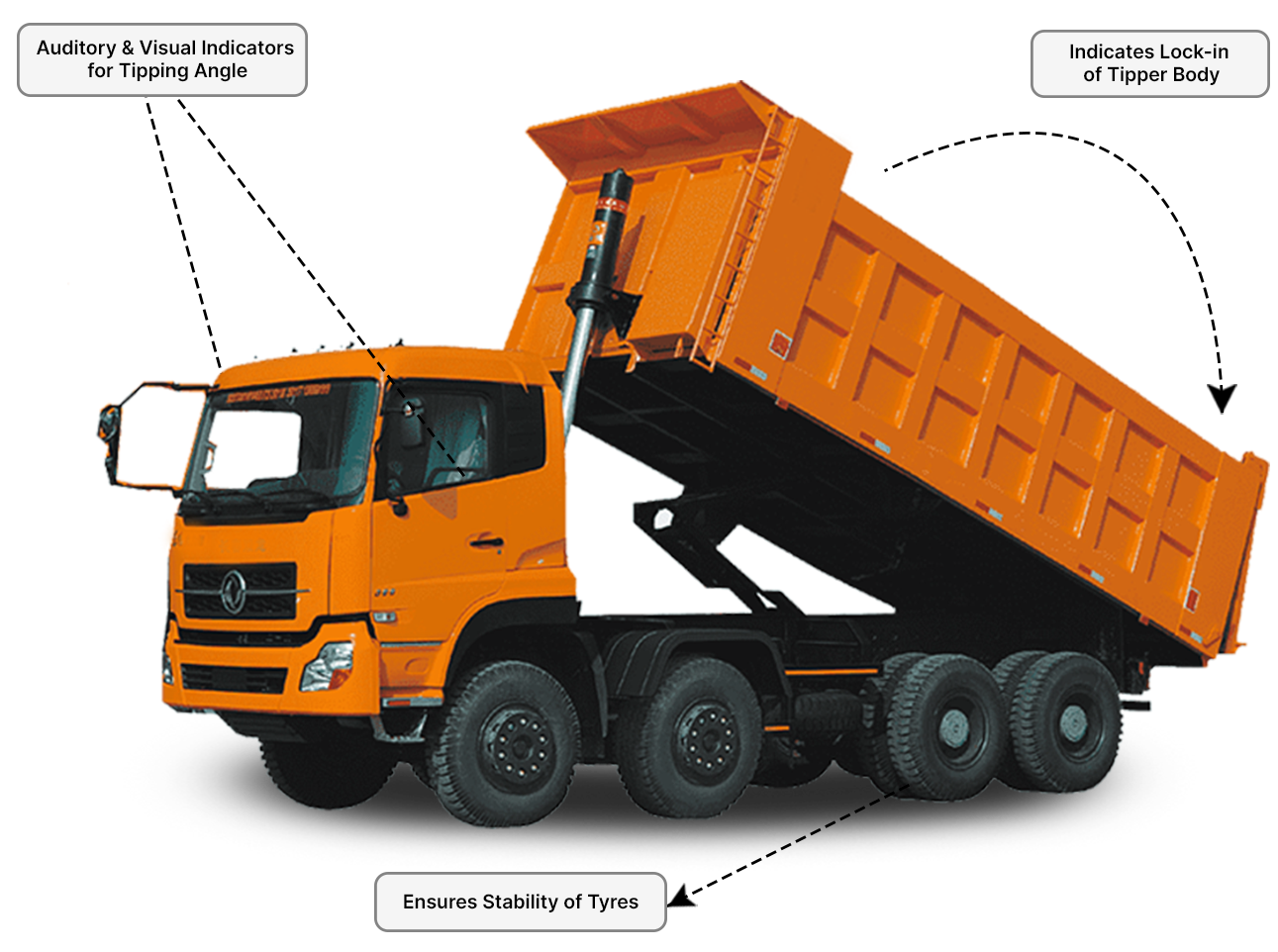
Rollover, accident, panic and theft alerts. Road and in-cab video when you need evidence. Immobilise a vehicle that should not move. Watch cargo doors, tanker lids, temperature and equipment.
See safety tools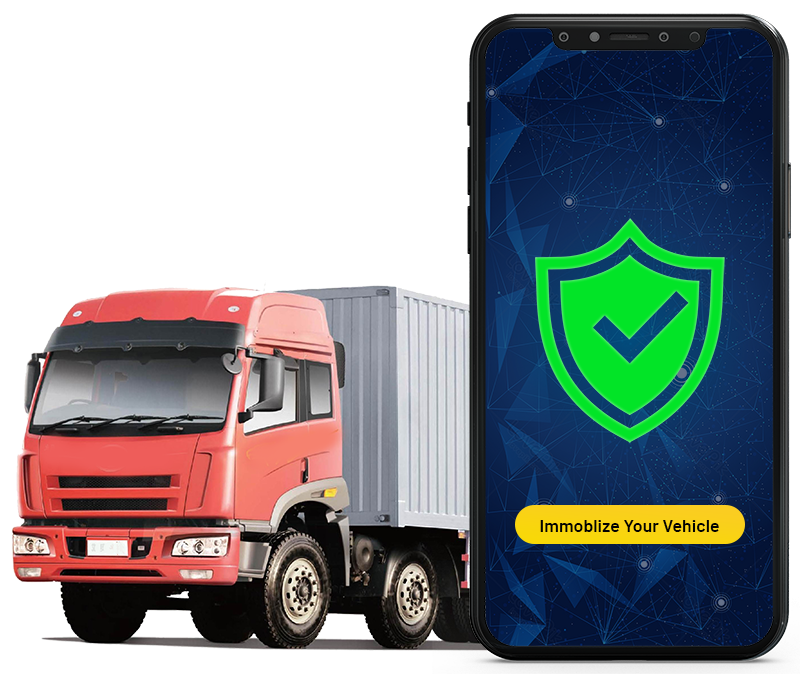
If a vehicle is stolen or should stay parked, an authorised fleet manager can stop it from starting, remotely, with a record of who did it and why.
See immobilisation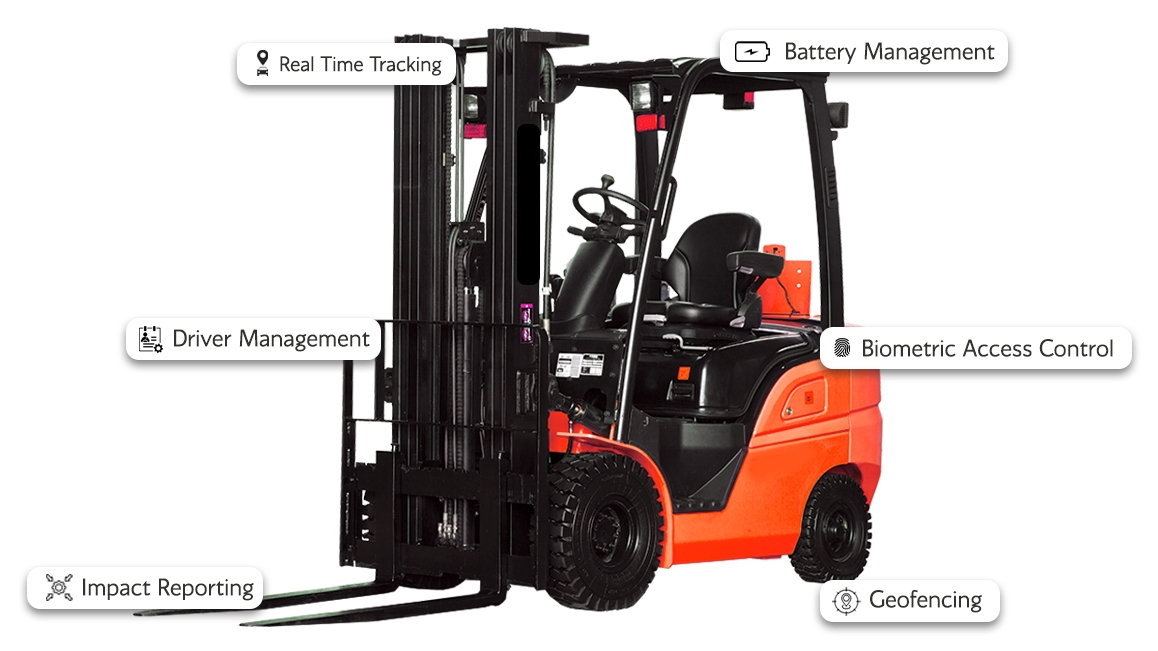
Not every asset has a road. The same tools extend to forklifts and site equipment: tracking, who can use the machine, and impact reporting.
See equipment
Reminders by date, distance or engine hours. Book a vetted UrDrive mechanic, see an itemised estimate, approve extras, and keep the job on that vehicle’s record.
See servicing and recordsJump to a band. Each one shows the product visual. Figures in those visuals are labelled Sample.
A map, a dashboard and the fuel bill — so you can see the fleet without chasing drivers on the phone.
One dashboard for the whole fleet: where each vehicle is, whether it is moving, idle or parked, and whether it is where it should be. Alerts and reports keep you informed without staring at a map.
Illustration. Not a real map or fleet.
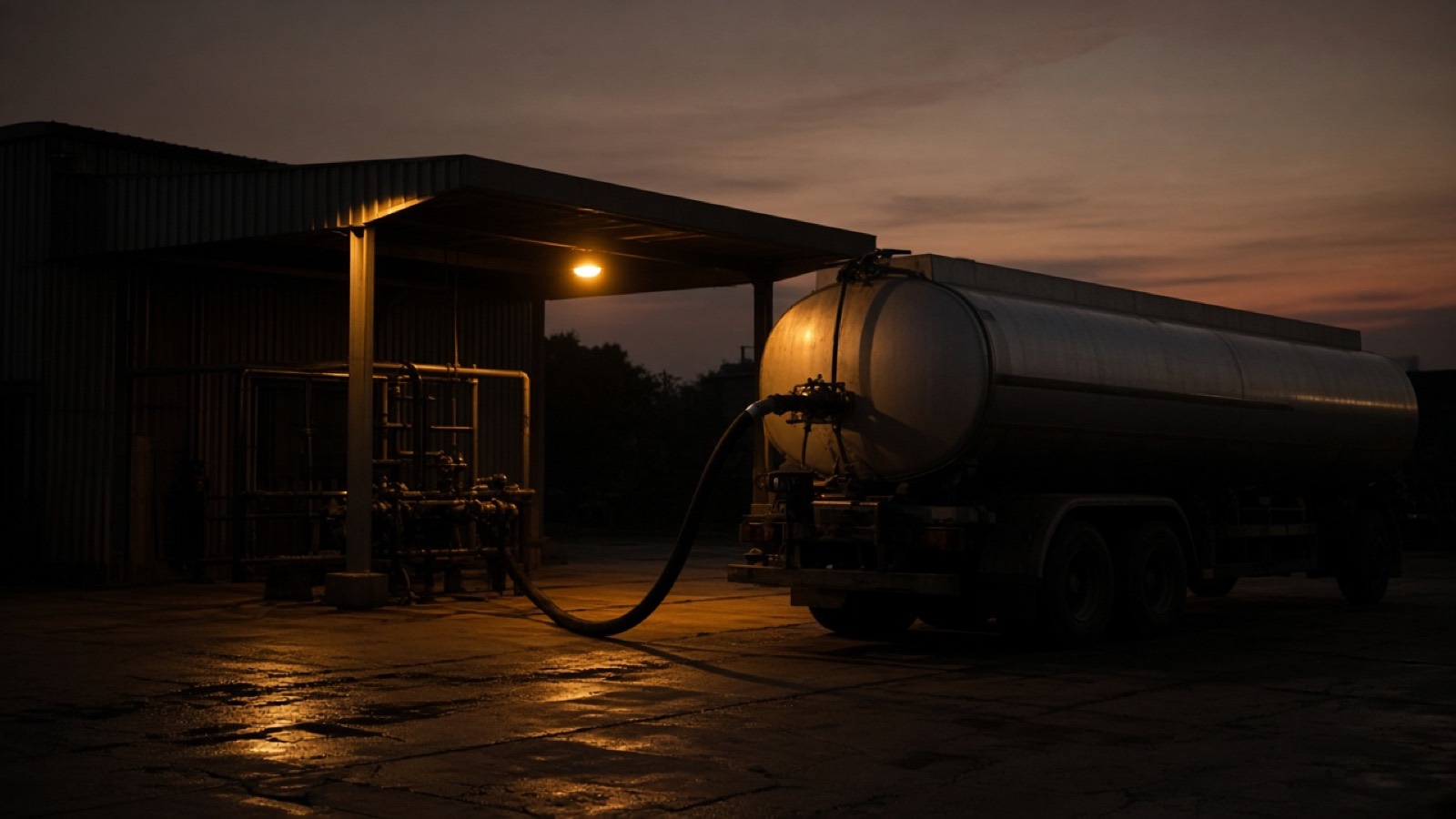
Fuel is one of a fleet's biggest costs and the easiest to lose track of. Fleet Boss shows fuel use for every vehicle, and flags the readings that do not look right.
FlaggedFriday: a fill-up far above this vehicle's usual. Worth a look.
Illustrative figures. Not a real fleet.
A score for how each person drives, alerts while they are on the road, and a lock on who can start the vehicle.
See how each driver actually drives. Events such as harsh braking, speeding and rapid acceleration feed a simple scorecard, so coaching starts from facts rather than hunches.
Speeding 1
Harsh braking 3
Rapid acceleration 5
Speeding 7 · Harsh braking 4
Illustrative figures and events. Not real drivers.
Reach the driver while they are on the road. Spoken alerts for overspeeding and sharp turns, warnings about what is ahead, and a way for the driver and the fleet manager to exchange updates.
Illustration of the intended experience. Not real messages.
Make sure only authorised people drive your vehicles, and that they stay within the speed you set.
Speed limit · KDA ••• A
80 km/h
Illustration. Not a live setting.
Know in seconds, not hours: tilt, accident, panic, theft, cameras, cargo, cold loads and equipment.
When a vehicle tilts past a safe limit, the fleet manager should hear about it straight away, with enough context to act. It matters most for tippers and heavy vehicles working on uneven ground.
Tilt past the safe limit on KDD ••• D. Driver, speed and location are attached.
Illustration of the intended alert. Not real data.
When something goes wrong, the fleet manager should know in seconds, not hours. A possible accident or a driver's panic press raises an alert with the vehicle and its location.
KDB ••• B · Depot
No driver identified
Driver 3 · KDC ••• C
Pressed by the driver
Driver 4 · KDD ••• D
Sudden impact detected
Illustration of the intended alerts. Not real events.
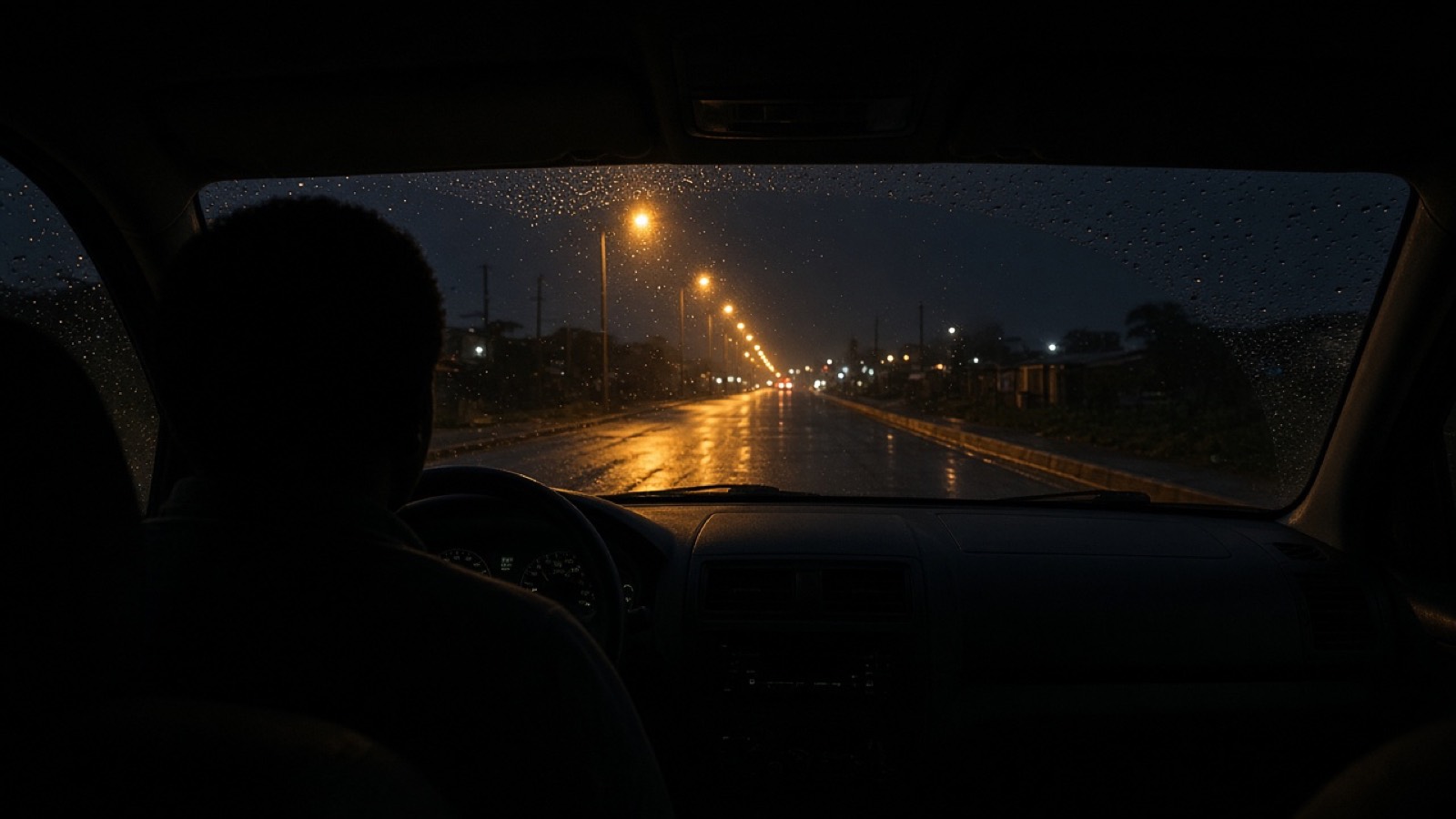
Cameras on the road and in the cab give you evidence when it counts, and a way to review driving that numbers alone cannot show.
If a vehicle should not be moving, an authorised fleet manager can stop it from starting, remotely, and there is a record of who did it and why.
KDD ••• D
Driver 4 · Parked
Immobilise this vehicle?
Illustration of the intended flow. Not a live control.
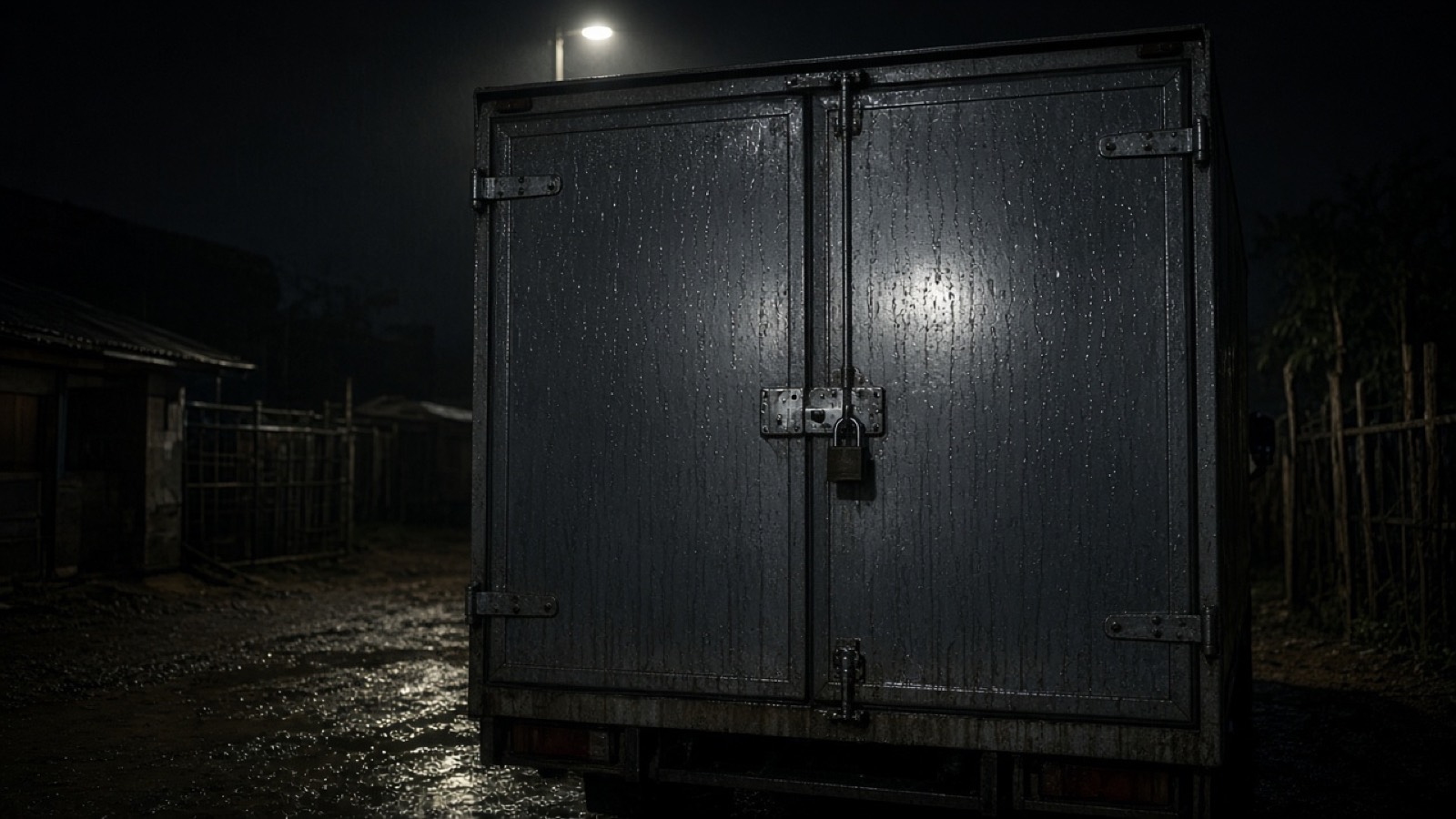
Protect what you are carrying. Know when a cargo door or tanker lid opens, and whether it happened where it should.
Alert sentThe last event happened away from a planned stop.
Illustrative events. Not a real vehicle.
For fresh and refrigerated loads, the temperature is the cargo. Fleet Boss watches it live and tells you the moment it leaves its range.
3.8°C
Now · within range
Alert sentThe load went above its range for a short time. The fleet manager was told.
Illustrative figures. Not a real load.
Not every asset has a road to drive on. The same tools can extend to forklifts and other equipment working across one or more sites.
Simplified illustration. Not a specific machine.
Reminders before a service is due, then a vetted mechanic, an itemised estimate, and a record that stays with the vehicle.
The paperwork around a fleet, kept next to the vehicles: renewals you must not miss, the tyres and parts you hold, fault data from the vehicle itself, and the drivers, orders, suppliers and customers around the work.
Illustrative data. Not a real fleet.
Book vetted mechanics for every vehicle in one place. Each job is itemised before it starts, extra costs wait for your approval, and the completed work lands in that vehicle's record.
Every completed job is added to that vehicle's record. Illustrative data.
Every garage and mechanic is reviewed by UrDrive before taking a booking.
Parts and labour before work starts. Extra costs need your approval.
Each completed job is added to the vehicle’s history.
Share how many vehicles you run and what you need most. We will come back to you directly about Fleet Boss.
Ask UrDrive
Ask what UrDrive does, or about the apps, estimates, Fleet Boss or Point Check. For the Driver App, use Get the app.